






Customer experience on WhatsApp

AI agents for customer experiences on WhatsApp

Sawabot helps enterprises turn WhatsApp into an AI-powered service channel where customers ask questions and complete requests — from loan applications to insurance claims, bookings, support, and more — with human handoff when needed.

  • Automate customer journeys on WhatsApp
  • Connect AI Agents to your business systems
  • Escalate to human teams when needed
  • Official WhatsApp Business API
  • Meta Tech Partner

Why now

Customers already choose messaging, The business needs to keep up

In WhatsApp-first markets, the inbox is not just support. It is sales, bookings, applications, follow-up, and customer memory. Sawabot turns that inbox into a working channel without asking customers to download an app or fill another form.

  • 73%

    prefer to message a business instead of calling or emailing.

  • 68%

    find fast, relevant AI chatbot responses helpful.

  • 72%

    are more likely to buy from a business that offers messaging.

Source: Meta, State of Business Messaging 2026 — survey of 11,056 adults across 22 markets.

What happens on a WhatsApp message

From a customer question to something done.

Every WhatsApp message either gets an answer, becomes a task that gets completed, or reaches the right person on your team.

  • Answers

    Answers from your approved sources.

    Product questions, policy details, opening hours, eligibility, pricing. Sawabot answers from documents you've uploaded and shows the source.

  • Things done

    Tasks completed in the apps you use.

    Bookings made, leads captured, tickets opened, applications filed, claims registered. Sawabot completes the work in the systems your team already runs.

  • Your team

    A person picks up when it matters.

    When a question needs judgement or sits outside the script, the right person on your team takes over with the conversation, the captured details, and the internal notes attached.

How you start

Knowledge to start, Agents for the work, Internal systems if you need them

Sawabot gives your team three layers to work with. The Knowledge Agent is built in. Add Agents when you have operational work to automate. Connect internal systems only if your team runs custom software without a built-in Connector.

  1. Ready-made agents

    Start with the built-in Knowledge Agent

    Connect WhatsApp, upload your documents, and Sawabot answers customer questions with sources while your team manages the inbox and analytics.

    • No integration required
    • Answers include source citations
    • Human takeover any time
  2. App connectors

    Build Agents for the work you do

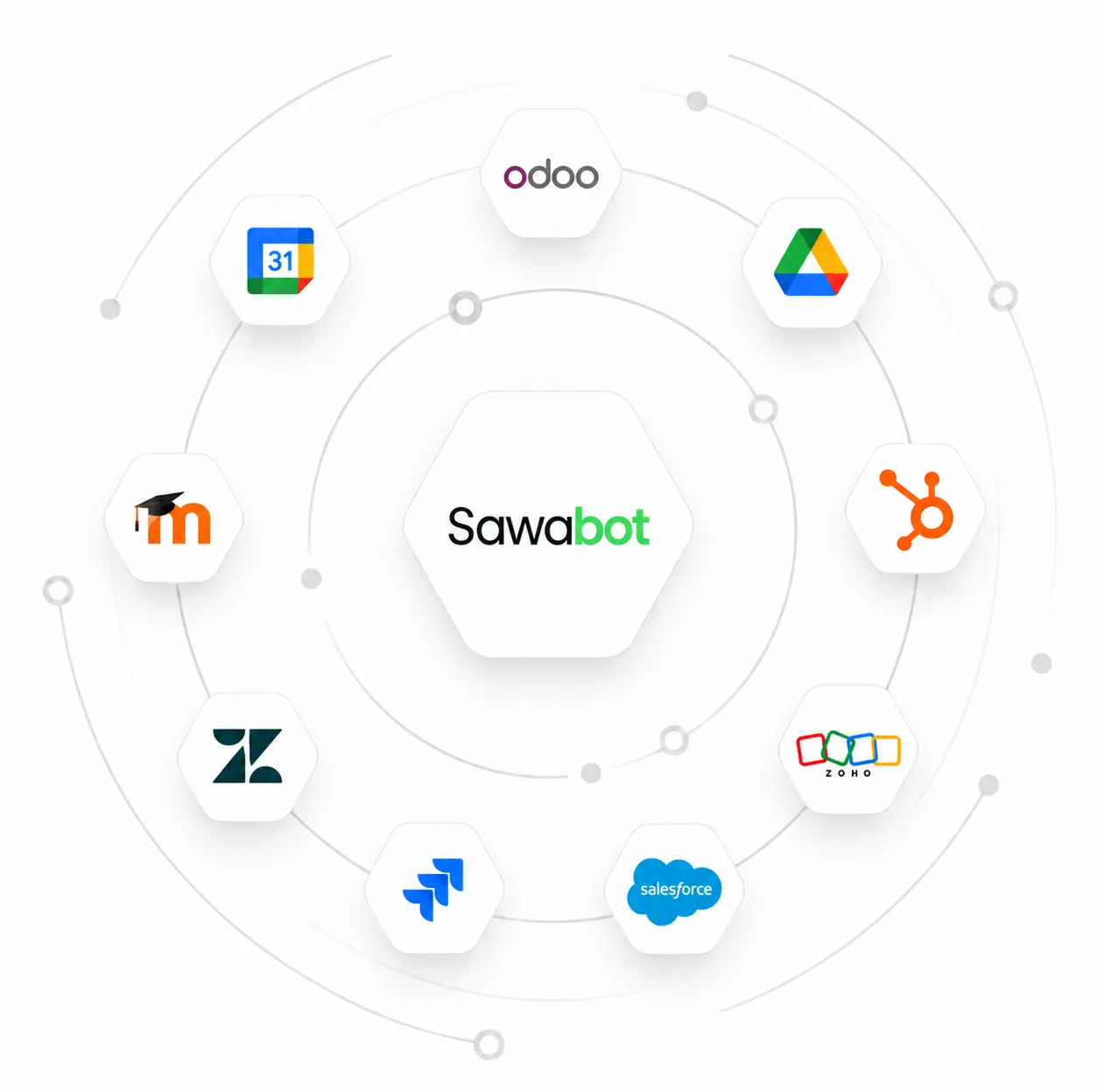
    Use built-in Connectors for tools like Odoo, Zoho, HubSpot, Calendly, Google Calendar, Google Sheets, or Zoho Desk. Configure routing guidelines for each Agent and Sawabot routes the conversation to the right one.

    • Drop leads into your CRM or sheet
    • Book slots on your calendar
    • Create tickets when the agent escalates
  3. Own systems

    Connect your internal systems (optional)

    If you run internal databases, core banking, inventory, HR, rate engines, or a custom CRM that doesn't have a built-in Connector, your team can connect it so Agents can use it.

    • Your team owns the MCP server
    • No core-system rewrite
    • Technical details live on Connectors

Analytics

Learn from every conversation

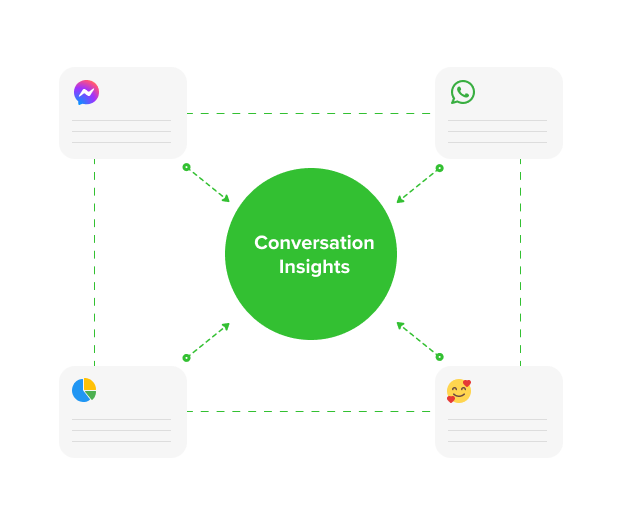
See what customers ask, what the agent resolved, what escalated, what humans took over, and where your documents need improvement. Every conversation becomes feedback for the next version of the agent.

See Analytics
Connectors

Works with the apps you already use

Connectors do more than sync data: they add tools and workflow templates the agent can use. Sawabot can read from your documents, drop leads in your CRM, book slots through scheduling tools, file support tickets, and look up catalogue data.

For proprietary CRMs, internal databases, inventory tools, HR systems, or rate engines, your team can expose the system through your own MCP server.

See Connectors

Control layer

One WhatsApp thread for the customer, Full operational control for your team

Customers see one simple conversation. Your team gets the inbox, setup, analytics, and governance controls needed to run WhatsApp as a service channel.

  • Unified inbox

    Assign conversations, take over, pause automation, leave internal notes, and hand the thread back when the human part is done.

  • Routing setup

    Your team defines when each Agent or Process should take over, with guidelines for intents, exceptions, and escalation paths.

  • Conversation analytics

    Track common topics, escalations, unanswered questions, takeovers, and gaps in your documents.

  • Audit and governance

    Keep roles, logs, conversation history, and handoff decisions visible for review. Sawabot runs on the official WhatsApp Business API as a Meta Tech Partner.

Demo

Plan your WhatsApp AI pilot

We will review your customer-service workflow, identify the first automation use cases, and show where Sawabot fits with your team and systems.